Quick answer
A handover is not complete because the system is live or you can see a dashboard.
Before you accept it, ask a second person to open the system, export the important data, make one simple change, deal with a common problem and follow the written instructions.
You do not need to run every task yourself. You do need enough access and knowledge to continue if the builder leaves.
Seeing the system is not enough
A dashboard lets you see the system. A good handover lets your business continue using it.
You may have a login but still be unable to change billing, export leads or understand the tracking. You may see a lead in the system but not know who should reply.
Ask someone who did not build the system to test it. This shows whether the instructions are clear.
Run five handover tests
Swipe sideways to see all columns.
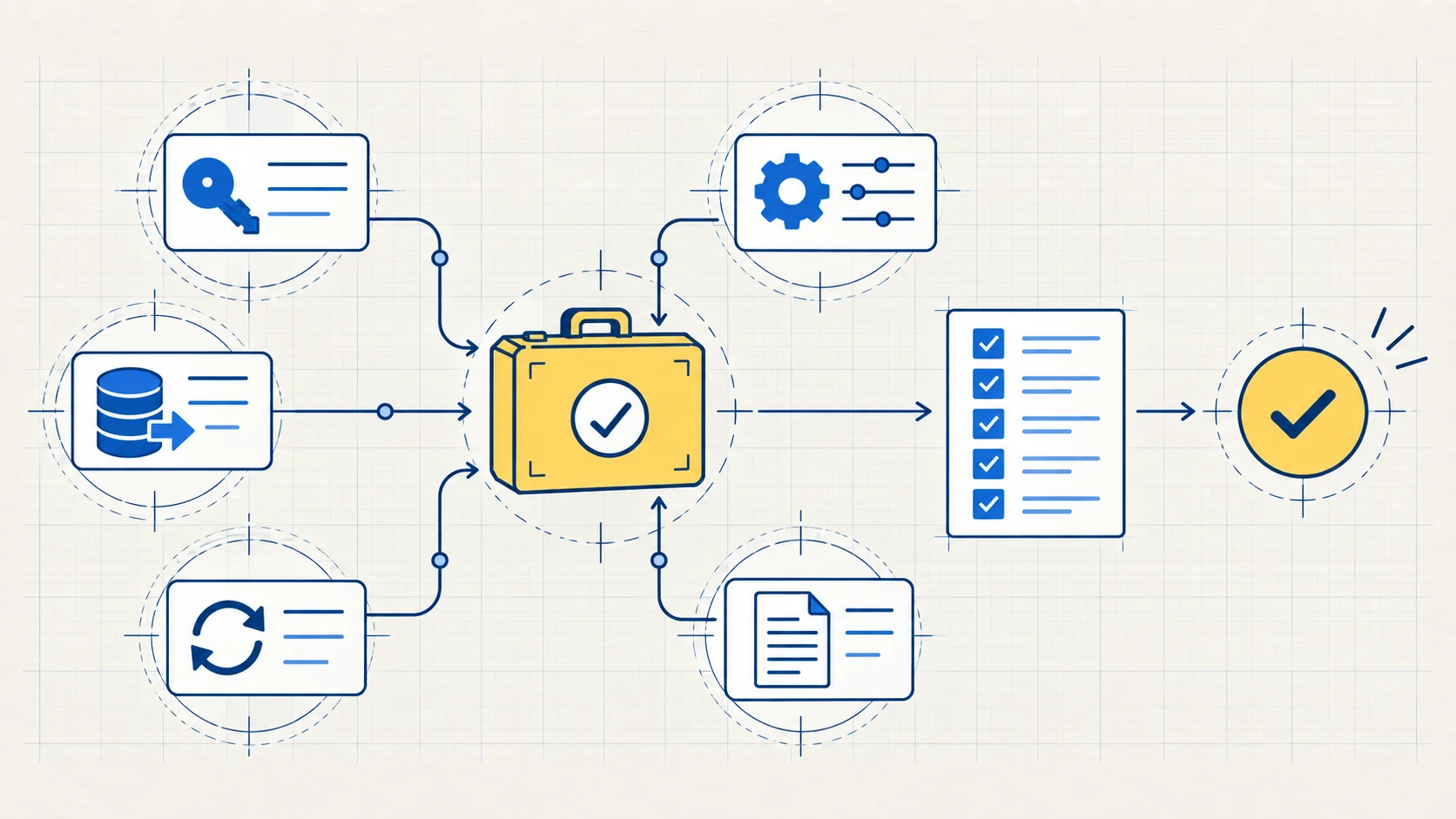
| Test | Ask the second person to do this | Warning sign |
|---|---|---|
| Access | Open each account with their own approved login | One shared login controls everything |
| Export | Export a useful copy of the lead data or other important records | The export is blocked or incomplete |
| Change | Make one safe, simple change | Only the builder knows what the change affects |
| Recovery | Find and respond to one common failure | There is no test, backup step or owner |
| Instructions | Follow the guide and explain the main steps | The guide lists tools but not actions or owners |
Choose tests that match the system you agreed to buy. These checks do not add new work to the agreement.
Test one lead from start to finish
A page and form can both work while the full process still fails.
Send a clearly labelled test enquiry. Record:
- Where it enters.
- Which information is saved.
- What moves it to the next step.
- Who receives the alert.
- Who owns the reply.
- How the status changes.
- What happens if a step fails.
This test cannot prove that the system will increase sales. It can find a missing owner, blocked account or unclear step before the handover ends.
Use a second person
The builder knows the system too well to be the only tester. They may fill in missing steps without noticing.
Ask a staff member or another suitable person to use only the access and instructions provided. When they get stuck, record the reason:
- missing access;
- missing file;
- unclear instruction;
- unknown owner;
- hidden link between tools; or
- no recovery step.
Put each problem into one of these groups:
- Fix now: the system cannot be used or recovered as agreed.
- Explain now: the system works, but the owner or instruction is unclear.
- Plan later: the change would help but was not part of the handover.
What a good handover looks like
A second person can use the instructions to open, export, change and recover the agreed process.
Your business knows what exists, who can change it and where the data goes. Any need for specialist help is clearly written down.
If the second person cannot complete the test, fix or explain the gap before accepting the handover.
Common questions
Who should test a marketing-system handover?
Use someone who did not build the system. They are more likely to notice missing access, unclear instructions and knowledge that exists only in the builder’s head.
What documentation should I receive at handover?
Ask for an account map, owners, regular steps, data exports, common recovery actions and any limits that still require specialist help.