Quick answer
Start with a repeat task you can explain step by step. Choose one with clear inputs, a named owner and mistakes a person can catch before they affect a customer. Write down how the work happens now, then test an AI-assisted step on a small set of cases. Compare the result with your current process, including the time spent checking and correcting it. Keep the workflow only if it helps without weakening accuracy, privacy or control.
Choose a task, not an AI tool
An AI workflow is a business process with one or more steps assisted by AI. It is not a prompt that works once in a demonstration.
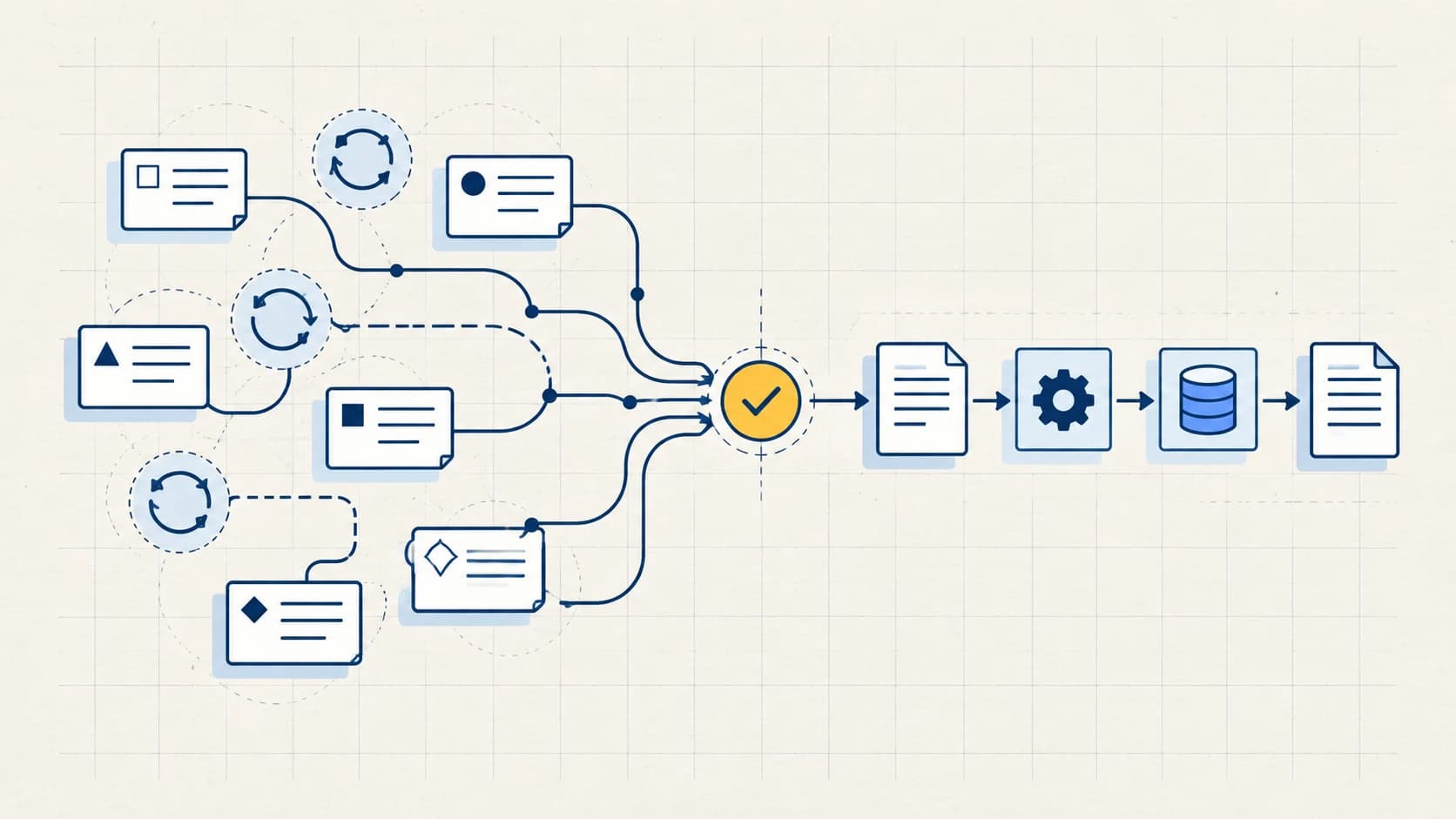
First, map the work you already do. Record what starts it, what information comes in, who makes each decision and where the result goes. If the task changes every time, you may need a clearer process before you need AI.
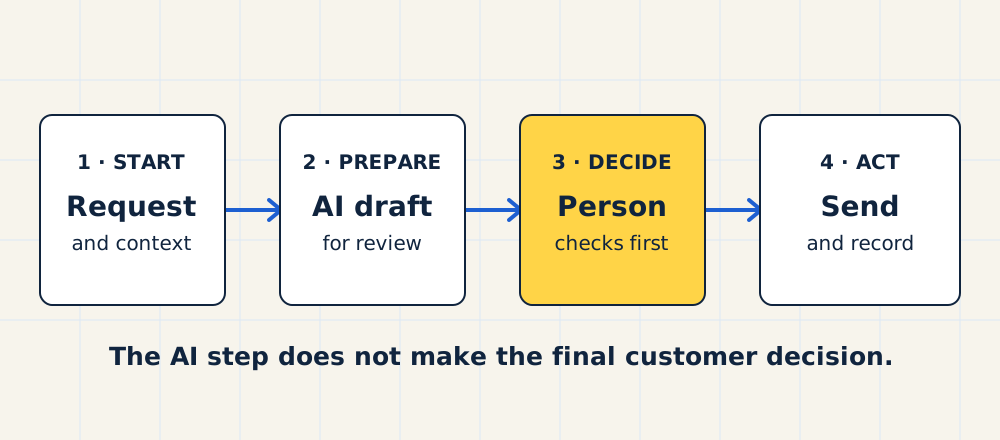
For example, a team might use AI to draft a reply to an enquiry. The reply is only one step. Someone still needs to check it, send it and record the next action.
If a step always follows the same rule, simple automation may be enough. You do not need AI to copy a form answer into a record or send a fixed receipt. Use AI where the input needs interpretation or the output needs a useful draft.
Make a short list of candidate tasks
Look for work that repeats and takes attention away from your team. Ask the people doing it where they spend time fixing, searching or rewriting.
Possible candidates include summarising a call into agreed fields, drafting a reply from approved information or sorting incoming requests for review. These are candidates, not automatic recommendations. The right first task depends on your process and the cost of a mistake.
For each candidate, write down five things:
- Trigger: What starts the work?
- Input: What information is needed, and where does it come from?
- Decision: What judgment does a person make today?
- Output: What useful result should appear?
- Handoff: Who checks it, acts on it and deals with an exception?
If you cannot describe these steps, spend time mapping the current system before adding another tool.
Put each task through five gates
Do not give every task a score and pick the highest number. A serious privacy or error risk should not be cancelled out by a large time-saving estimate.
Swipe sideways to see all columns.
| Gate | Question to answer | Defer the task when |
|---|---|---|
| Repeat work | Does this happen often enough to justify setup and review? | It is rare or changes completely each time. |
| Usable inputs | Can you give the system the right, current information? | Staff must guess, search or repair the inputs first. |
| Checkable output | Can a person tell whether the result is right? | A plausible error would be hard to spot. |
| Safe data | May the chosen tool handle the information involved? | Access, contracts or data rules are unclear. |
| Owner and fallback | Who approves the result, and what happens if the tool fails? | Nobody owns the decision or the manual route is gone. |
Use a simple traffic-light decision after the five gates. Red means the task is unclear, a mistake would be costly or an action would be hard to undo. Do not start there. Amber means the work repeats but needs judgment. Let AI prepare a draft for a person to check. Green means the step is repeated, bounded and easy to check. That is a better first pilot. These labels help you choose a test; they do not certify that a tool is safe.
Compare the remaining candidates by the effort they might save and how easy they are to test.
A poor first use case is an AI tool making a final price, eligibility or customer commitment without a person who can check it. A better first use case may be a draft that a named person can accept, edit or reject.
Define what the AI may and may not do
Write one sentence for the AI step: “Given these approved inputs, prepare this output for this person to review.”
Then write the boundary. Which facts may it use? What must it never invent? Which cases should it send to a person without a draft? May it store or transmit customer information? Who may change its instructions?
For a first pilot, keep the final action with a person. A draft should not silently become an email, quote or change to a customer record.
Check the tool's data terms and your own obligations before using personal or confidential information. If you cannot confirm that use is permitted, test with approved, de-identified material or pause. Removing a name alone may not remove every identifying detail.
The NIST AI Risk Management Framework is a useful reference here. It calls for defined tasks, human oversight, testing and ongoing monitoring. This article is a practical starting method, not a substitute for a legal or security review.
Run a pilot against the current process
Choose a small set of ordinary cases and a few awkward ones. Use cases your team is allowed to process in the chosen tool. Decide what a good result looks like before you test.
For each case, record:
Swipe sideways to see all columns.
| Measure | Current way | AI-assisted way |
|---|---|---|
| Time to prepare | ||
| Time to check and correct | ||
| Errors or missing facts | ||
| Output accepted, edited or rejected | ||
| Customer or team impact |
Also record setup time and tool cost. A task is not faster just because the first draft appears quickly. Review, correction and upkeep are part of the work.
Stop the test if the system exposes data it should not use, makes a hard-to-detect error or needs more checking than the current process. Revise the instructions or inputs only when you can name the cause. Do not keep adding prompts to hide a broken process.
After the pilot, make one decision: adopt, revise or stop. Adopt only with an owner, checks and a manual fallback. Revise if a specific, testable change may solve the problem. Stop if the risk or effort remains too high.
Example: draft a reply to an unbooked enquiry
This is a teaching example, not a Scale Manual client result or a claim that AI improved bookings.
Imagine a business receives enquiries that do not become booked calls. A staff member already checks each request and writes a suitable reply. The team wants to test whether AI can prepare a first draft from the enquiry and approved service information.
The proposed workflow is narrow:
- An enquiry enters the existing system and has a named owner.
- AI prepares a draft using only approved facts and the next step the business actually offers.
- The owner checks the request, facts, tone and any missing information.
- The owner edits or rejects the draft, then sends the reply.
- The system records the reply and the next action.
The AI does not send the message, set a price or decide whether the person is a fit. The pilot compares total handling time and correction work with the current method. It also checks whether a useful reply still reaches the right person.
The existing guide to following up when a lead does not book covers the full process. AI should help a working follow-up path, not cover up a missing owner or alert. The weekly lead review can help the team notice whether that path still works after a change.
Keep the system under your control
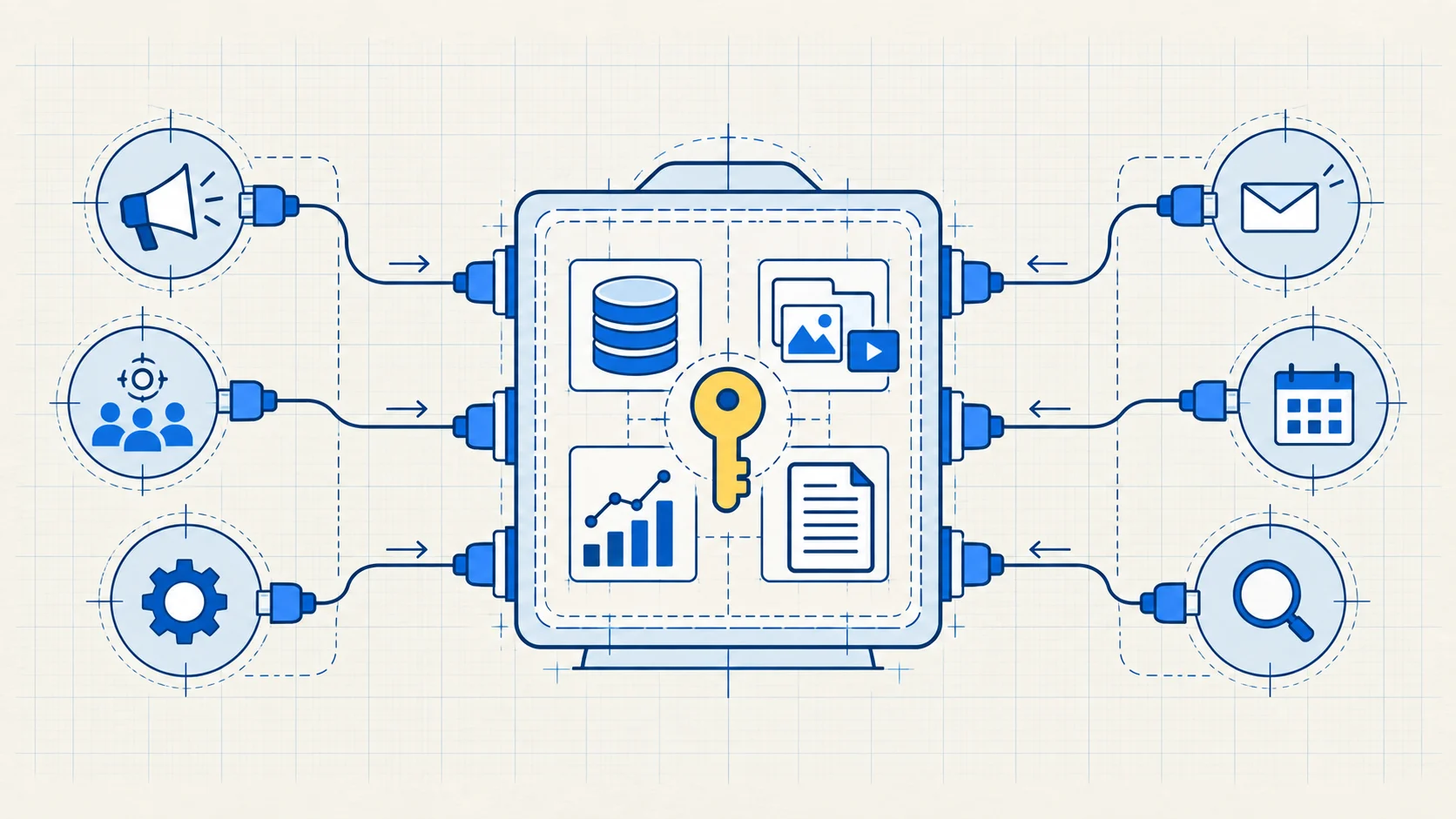
Before a pilot becomes routine, write down who owns the tool account, source data, instructions and connection to other systems. Make sure the business can see what the tool did and export the records it needs.
Give someone responsibility for checking failures, reviewing changes and deciding when to turn the AI step off. Keep the manual process documented. A vendor or specialist may build the workflow, but your team should know how to continue if they leave.
Use the handover checks to test access, export, safe changes and recovery. The same ownership rule applies when you outsource the build.
Your next move is simple: list three repeated tasks, run each through the five gates and choose one safe pilot. If you want help mapping the tasks and choosing a first use case, the AI opportunity workshop starts with that work.
This guide was drafted with AI assistance and approved by Stephan Roberto. The enquiry example is hypothetical.
Common questions
Do I need new software to start using AI at work?
Not necessarily. Map the task first and check what your current tools can already do. Choose a new tool only when it solves a defined problem and your business can manage its data, access and cost.
Should AI reply to customers automatically?
Not as a default first step. Start with a draft a person approves. Consider automatic sending only after testing the full process, including mistakes, exceptions, data use and a way to stop it.
How do I know whether the pilot worked?
Compare the complete AI-assisted task with the current one. Count preparation, review, corrections, errors and cost. Continue only when the improvement is useful and the remaining risk is acceptable to the business.
Who maintains an AI workflow after launch?
Name an owner before launch. That person should know when to review results, update approved information, handle failures and switch back to the manual process.